
From spreadsheets to online booking: where a rental shop should start
Five steps that help a rental shop move from messengers and spreadsheets to online booking without chaos in its first season.
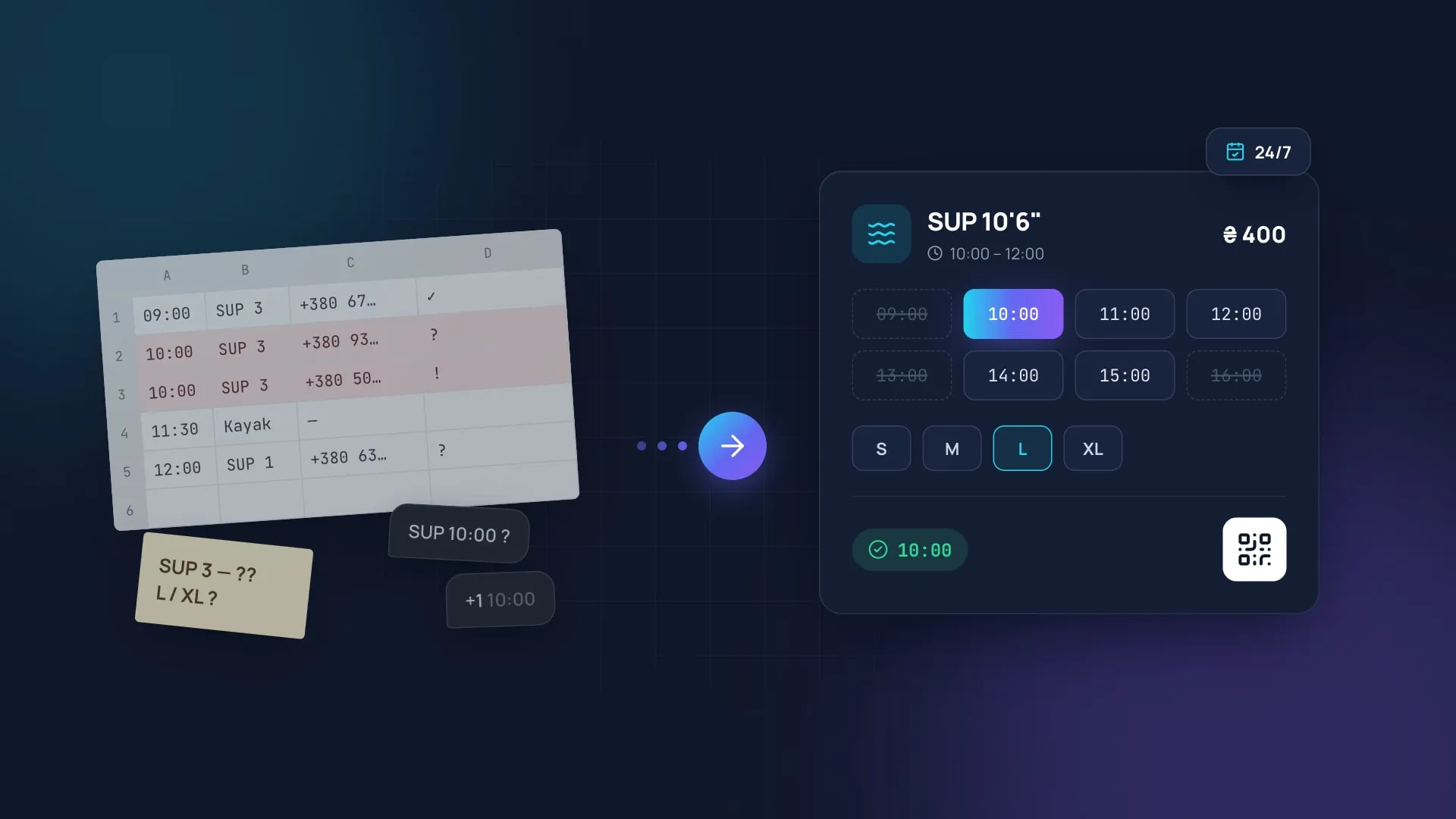
Most rental shops start the same way: bookings arrive in a messenger, stock lives in a spreadsheet and the schedule sits in the manager’s notebook. With a handful of customers, that works. But as soon as you get more customers, a second location, events or classes, manual tracking starts to cost money: double bookings, lost requests and gear that sits idle.
Here are the five steps we recommend starting with.
1. Describe the process as it really is
Before moving to a new system, write down for yourself how booking actually works in your shop: who takes the request, how availability is checked, when the deposit is taken and what happens when gear comes back. That description becomes the basis for the setup.
2. Set up the catalog and per-location stock
Online booking only works when the system knows exact stock. So first, give every gear item its own entry in a single shared catalog, with size and color. Then add each location’s stock of that gear from the catalog.
- SUP boards, kayaks and bikes are tracked per unit;
- wetsuits, life vests, helmets and boots are tracked by size;
- every unit keeps a history of check-outs and maintenance.
3. Open online booking for one service
Don’t try to move everything in a day. Start with your most popular service, such as hourly SUP rental, and open online booking with payment for it.
Well-run processes drive revenue directly. When bookings don’t get lost and gear is never handed out twice, the shop sells more right away.
4. Add events and classes
Once basic rentals run smoothly, add events and trainer-led classes. What matters is that a ticket or a class sign-up reserves the right gear immediately, so inventory, schedule and sales never contradict each other.
5. Look at the numbers every week
After launch, reports show what works and what doesn’t:
| What to watch | Why |
|---|---|
| Fleet utilization by hour | To find the hours for happy hours |
| Booking sources | To see which ads pay off |
| Repeat visits | To check whether customers come back |
Want to go through these steps with us? Book a demo and we’ll show CoFlexA on your own processes.